

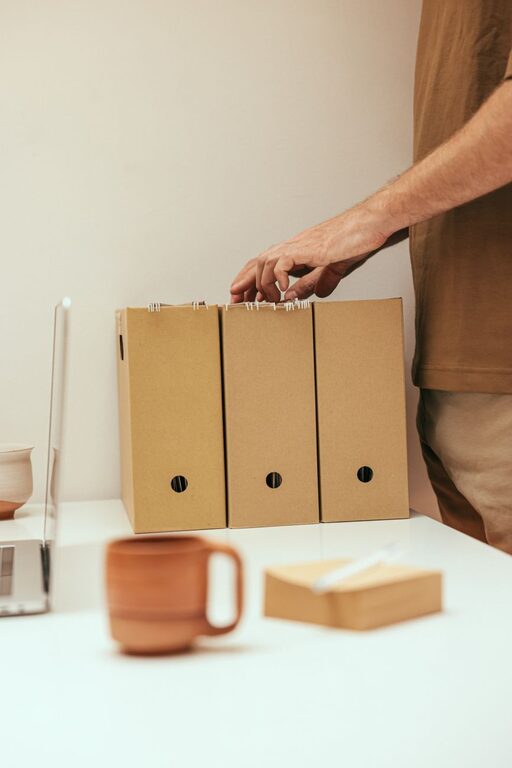
Keeping your computer files organized might seem like a daunting task, but it’s an essential habit for maintaining efficiency and reducing digital clutter. Whether you use your computer for work, study, or personal projects, a clear and structured file system saves time and frustration. This post offers practical tips to help you organize your files in a way that’s easy to maintain.
Why Organizing Files Matters
A well-organized file system can:
– Improve productivity by making files easy to find
– Reduce stress caused by clutter and lost documents
– Help with regular backups and data security
– Free up disk space by eliminating duplicates and unnecessary files
With these benefits in mind, let’s explore how you can get started with organizing your computer files.
Start with a Clear Folder Structure
Creating a logical folder hierarchy is the backbone of file organization. Follow these steps:
1. Define Main Categories
Think about the major areas of your digital life or work. For example:
– Work
– Personal
– Projects
– Media (Photos, Videos, Music)
– Software or Downloads
2. Use Subfolders for Specific Topics
Within each main folder, create subfolders to narrow down content. For example, inside “Work,” you might have:
– Reports
– Presentations
– Invoices
– Correspondence
3. Avoid Over-Nesting
Try not to create too many layers of folders. A deep structure can make files harder to locate. Aim for 2–3 levels deep in most cases.
Naming Your Files and Folders Clearly
Good naming conventions allow you to identify files quickly without opening them.
Tips for Naming:
– Be descriptive but concise (e.g., “2024_Tax_Return.pdf” instead of “Document1.pdf”)
– Use dates in a consistent format like YYYY-MM-DD for chronological sorting
– Avoid spaces or special characters; use underscores or dashes if needed
– Include version numbers if you save multiple versions (e.g., “ProjectPlan_v2.docx”)
Regularly Declutter and Delete Unnecessary Files
Over time, your computer can accumulate outdated and duplicate files.
How to Declutter:
– Schedule monthly or quarterly reviews
– Delete files you no longer need
– Use tools to find duplicate files
– Empty your Recycle Bin or Trash regularly
Use Cloud Storage and Backup Solutions
Backing up important files is crucial in case of hardware failures or accidents.
Consider These Options:
– Cloud services like Google Drive, Dropbox, or OneDrive for easy access and sharing
– External hard drives or USB drives for offline backup
– Set up automatic backups where possible to save time
Utilize Search and Tagging Features
Modern operating systems include advanced search tools and tagging features.
How to Make the Most:
– Assign tags or labels to files related to projects or topics
– Use descriptive metadata for media files like photos and videos
– Learn to use search filters (date, type, size) to quickly find what you need
Keep Your Desktop Clean
Your desktop should not be a dumping ground for files. Instead:
– Use your desktop for temporary or “in-progress” files only
– Move finished files into your folder system promptly
– Set reminders to clean up your desktop weekly
Automate Routine File Management Tasks
Several tools and built-in features can help you save time organizing files.
Examples:
– Folder synchronization apps that organize downloads automatically
– Scripts or rules to move or rename files based on criteria
– System cleanup utilities that remove temporary files
Maintain Consistency Over Time
The key to sustained file organization is consistent habits.
Best Practices:
– Organize files as soon as you create or download them
– Stick to your naming conventions and folder structure
– Regularly back up and declutter
– Review and update your system as your needs evolve
—
By applying these tips, you can transform your computer into a well-organized and efficient workspace. A little time and attention now will pay off with less stress and more productivity in the long run. Happy organizing!